01
Connect Gmail and Shopify
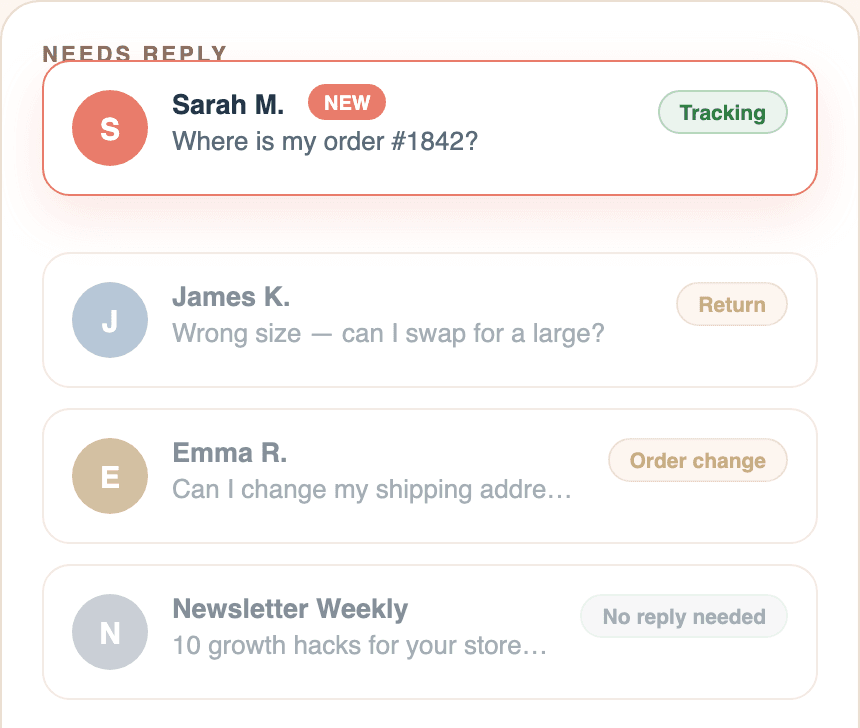
Two minutes to connect. Regards Kim keeps Gmail as your support inbox, sorts incoming customer emails, and filters out the messages that do not need a reply.
How Regards Kim answers with Shopify context
Two minutes to connect. Regards Kim keeps Gmail as your support inbox, sorts incoming customer emails, and filters out the messages that do not need a reply.
Order, delivery status, tracking links, policy links, and customer details sit beside the conversation. No more copying between Gmail, Shopify, and tracking pages.
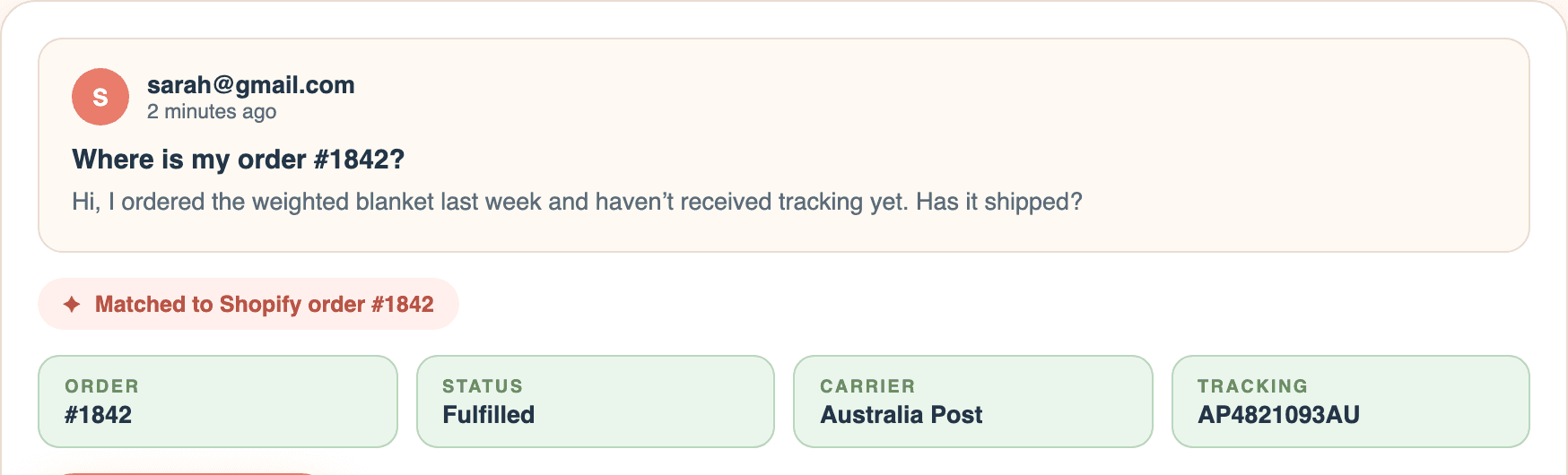
As support emails come in, Regards Kim prepares Shopify-aware replies from the real order, tracking, policies, and saved replies. You review, edit, and send from Gmail.
Tracking questions, returns, order changes, product help, sales, and escalations are sorted before they become inbox chaos.
Regards Kim pulls order, customer, tracking, and policy context into the workflow so your team is not copying between Gmail and Shopify.
Open Shopify-aware drafts already prepared for you, improve the wording, add tracking or policy links, and send from Gmail only after review.
Getting Started
Start by installing RegardsKim from the Shopify App Store, then connect Gmail and confirm your store policies so every draft has the right Shopify context.